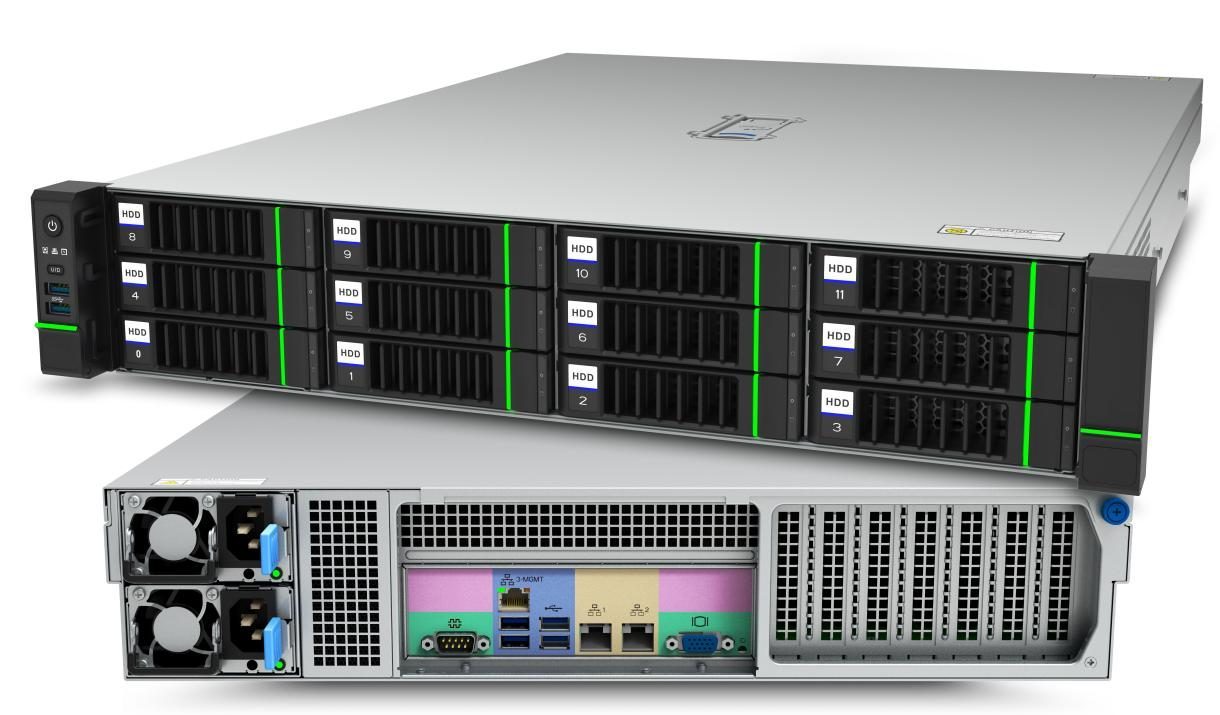
Two 12-bay chassis with the same bay count can differ sharply in bandwidth and concurrency — the difference is usually in the backplane topology. How SAS direct-attach, SAS Expander, and NVMe solutions map to real workloads, and how to match model suffixes when requesting a quote.
Two chassis both labeled "12-bay" or "24-bay" can differ substantially in price and performance, and the difference is often not in the enclosure itself but in how the backplane routes data to the motherboard. The backplane determines how each drive connects: one line per drive, multiple drives aggregated through an expander chip, or PCIe lanes straight to the CPU. Understanding these three topologies before you buy helps you avoid rebuilding a system that turns out to be bandwidth-limited.
【SAS/SATA direct-attach】
Every drive connects through the backplane to a dedicated port on an HBA or RAID controller. Latency is low and troubleshooting is intuitive: each failed drive maps one-to-one to a cable and port. The trade-off is cabling — as bay counts grow, cable count grows with it, and the controller needs enough ports.
【SAS Expander】
A backplane-mounted expander chip (such as the Broadcom 35x series) aggregates many drive slots into a small number of upstream links. This saves cards, cables, and PCIe slots — dozens of drives can hang off a single controller. The cost is shared upstream bandwidth: with many drives reading and writing concurrently, peak sequential throughput is reduced. This topology suits capacity-first workloads such as backup, archive, and object storage.
【NVMe direct-attach】
Drive slots connect over PCIe directly to the CPU or a switch chip, bypassing the SAS protocol entirely. IOPS and latency far exceed SAS/SATA, which suits databases, hot-data caching, and AI data lakes. Note that the backplane, cabling, and motherboard must all support the same PCIe generation (commonly 4.0 at 16GT/s); any single bottleneck slows the chain down.
【Matching topology to workload】
Look at data temperature and concurrency. Hot data with high random-read/write concurrency calls for NVMe direct-attach. Large cold or warm datasets dominated by sequential writes are best served by an Expander. Mid-scale general-purpose storage where you want to keep a RAID-card workflow benefits most from direct-attach. Hybrid layouts are also common: NVMe for hot tiers, SAS for cold tiers, in the same chassis.
【Beyond the backplane】
Once the topology is fixed, verify a few supporting details: whether the fan setup can handle fully populated drive power (2U models commonly carry three to four hot-swappable 8038 temperature-controlled fans); whether the backplane supports SGPIO so failed drives can be located from the indicator LEDs instead of guessed at in software; and whether the PSU has enough headroom — twenty-four spinning drives plus NVMe at full load draw real power.
【State the suffix when quoting】
Many storage chassis differentiate backplane schemes through sub-model suffixes. Take CR212 as an example: CR212-666-H is the 12Gb/s SAS/SATA direct-attach base model; CR212-666-HE switches to Expander aggregation; CR212-666-HN4 and HN12 provide PCIe 4.0 NVMe direct-attach on 4 or 12 slots. When you request a quote, state your drive count, protocol, and motherboard platform up front so the supplier can match the exact sub-model and skip rounds of back-and-forth.
If you are unsure, send us the application (database, backup, video, AI) and your expected drive count. We will help you pick the topology by data temperature and then work out the full configuration.